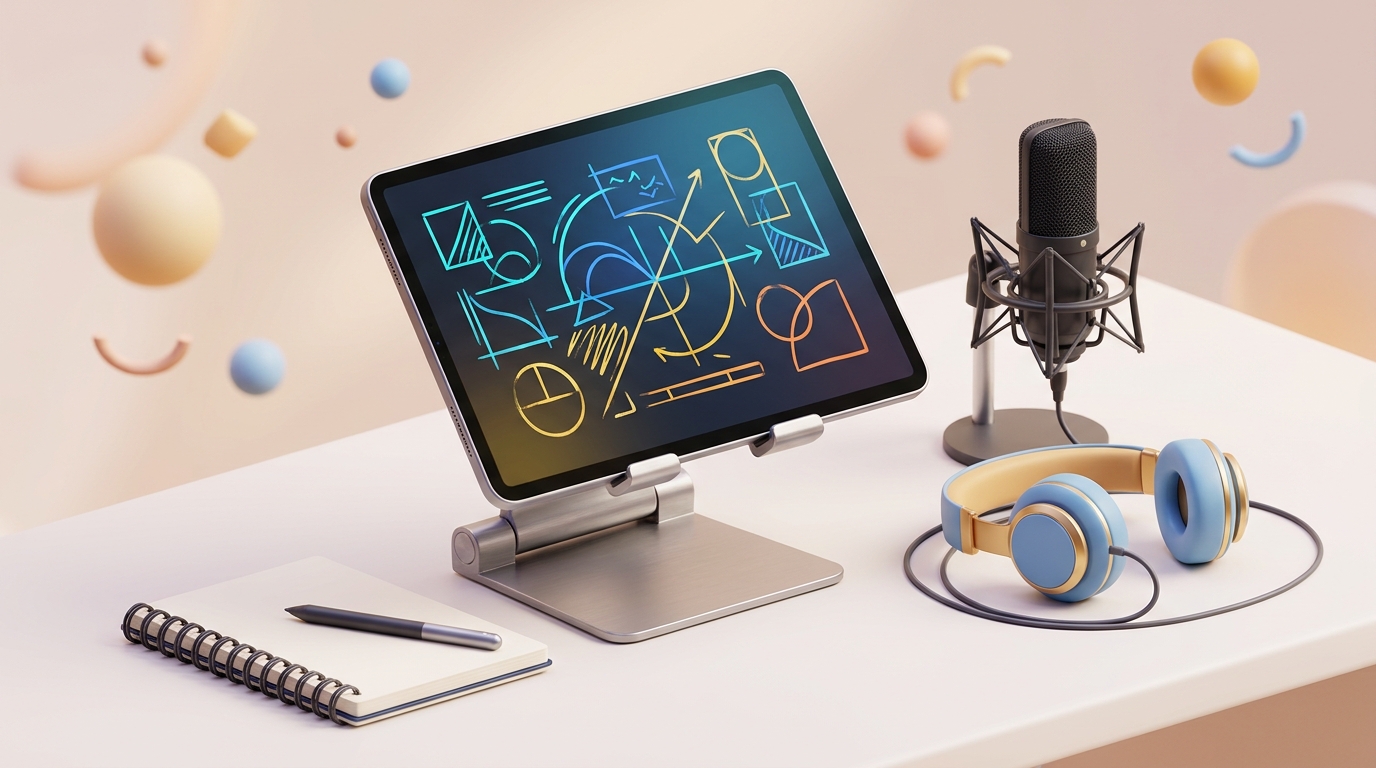
Zero software installation, zero account login, and zero video editing needed.
1
Open iPad / Tablet
Open CastWithMe, note your 6-digit room code, and tap "iPad / Tablet". Your full-screen whiteboard opens instantly.
2
Connect Phone Camera
Open CastWithMe on your phone, enter the same 6-digit code, and tap "Phone". Mount phone horizontally on a desk tripod facing you.
3
Start Writing & REC!
Your phone camera appears live right on your iPad screen! Tap "REC" and teach naturally. Video saves directly to your device.
Engineered for 120Hz ProMotion iPad displays with C1 zero-lag handwriting.
-
Palm Rejection ("Palm Safe" toggle):
When enabled, the canvas strictly ignores your hand resting on the screen, letting only your Apple Pencil or stylus write equations smoothly.
-
Super Toolbox (Always Visible):
Located directly under the top bar. Choose from 5 pen sizes (1 fine, 2 standard, 3 formula, 4 bold, 5 marker), 3 eraser sizes (50px, 110px, 200px), 7 presets + 1000s native color wheel, Undo / Redo, and Clear Board.
-
Rough Page Scratchpad:
Tap the amber "Rough Page" button anytime during a lecture to do rough calculations or solve intermediate formulas without ruining your main notes. Videos automatically pause while you compute and resume when you close.
-
Movable Teacher Cam Frame:
Drag the camera card anywhere across the canvas. Tap "Size" for S / M / L. Tap "Flip" to mirror. Tap "0° / 90°" to rotate horizontal camera angles.
Your smartphone camera is 10x sharper than any standard laptop webcam.
-
Orientation & Mounting:
Mount your phone horizontally (landscape) at eye level. Tap "Flip Cam" to toggle between high-resolution rear lenses or front selfie view.
-
Studio Audio Processing:
Phone captures 48kHz uncompressed audio with an on-device dynamic compressor that suppresses background AC rumble and room echo.
You don't need a heavy computer or monitor setup to create world-class lectures.
By simply pairing your Phone and iPad with the same 6-digit room code, CastWithMe connects them directly peer-to-peer.
Your phone streams crisp video and 48kHz audio straight to your iPad, and your iPad records the entire lecture locally with its built-in hardware encoder.
For multi-device professional recording with institute watermarks and live layouts.
-
Pure 4K & 1080p 60FPS:
Director composes the whiteboard stream and teacher video simultaneously into an uncompressed master file.
-
Institute Custom Watermark:
Bake your coaching center name or academy logo directly into every exported lecture without third-party editing software.
Your lecture content is your private property. None of it is ever stored on our servers.
All video and audio streams travel directly between your devices over an encrypted WebRTC mesh network on your local Wi-Fi or hotspot.
Recordings are saved directly into your device's browser/local storage or file system.